Can The Cricut Maker Cut Wood: Capabilities And Limits
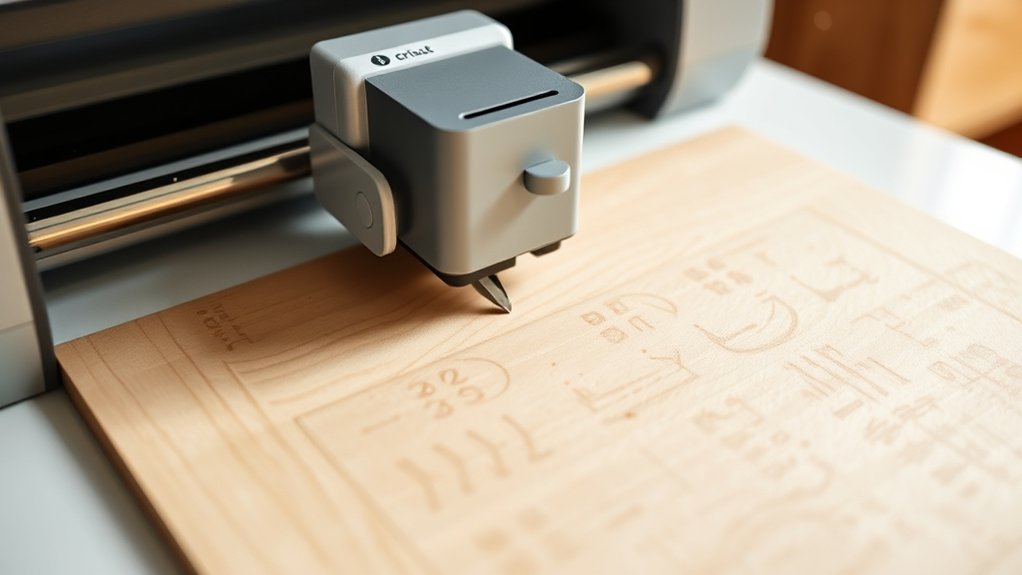
Yes, the Cricut Maker can cut wood, but you’ll need thin types like basswood or balsa wood, ideally between 1/32” and 1/16” thick. Use the Knife Blade and a Strong Grip Cutting Mat for clean cuts, and keep designs moderate in size and detail to avoid issues.
Make sure your wood is flat and well-secured to prevent incomplete cuts. If you want tips on blades, settings, and solving cutting problems, there’s more to explore.
Which Wood Types Work Best With Cricut Maker
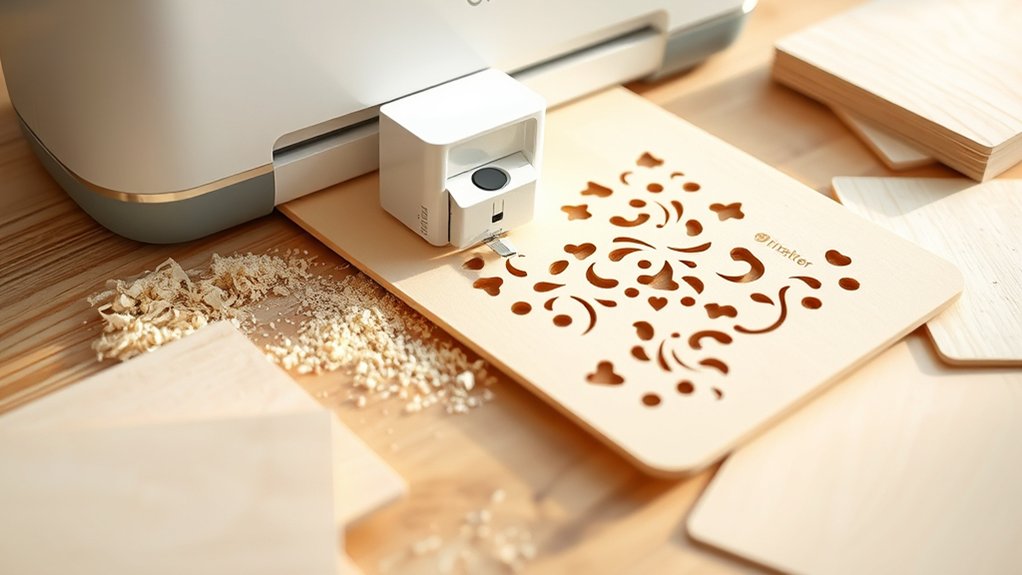
When working with your Cricut Maker, choosing the right wood is key to getting clean, precise cuts. The Cricut Maker excels at cutting wood types like basswood, balsa wood, and wood veneer, which are perfect for crafting projects.
Choosing the right wood ensures clean, precise cuts with your Cricut Maker for flawless crafting projects.
You’ll want to stick to thin pieces, ideally between 1/32” and 1/16” thick, to guarantee smooth cutting wood performance.
Balsa wood comes in handy at 1/32”, 1/16”, or 3/32”, but pick pieces free from warps or blemishes to avoid uneven results.
Basswood and wood veneer are also great choices, offering consistent grain and color that help your designs look uniform.
Avoid glued or damaged wood, as that can mess up your cuts and damage your machine.
What Is the Maximum Wood Thickness for Cricut Cutting?
The maximum wood thickness you can cut with the Cricut Maker is 2.4 mm, roughly 1/16 inch. This limit applies to thin woods like basswood and balsa wood, which work best for clean cuts.
When using the Cricut Maker, it’s essential to keep your wood within this thickness to avoid incomplete cuts or damage.
Place your wood securely on the cutting mat to maintain stability. For thicker pieces near the maximum thickness, you’ll likely need multiple passes to achieve a precise cut.
Remember, the Cricut Maker is designed for thin materials, so going over this thickness can lead to poor results.
Always perform test cuts when trying new wood types to check if they work well and to protect your projects. It’s better to be safe than sorry!
Best Design Sizes and Complexity for Cricut Wood Cutting
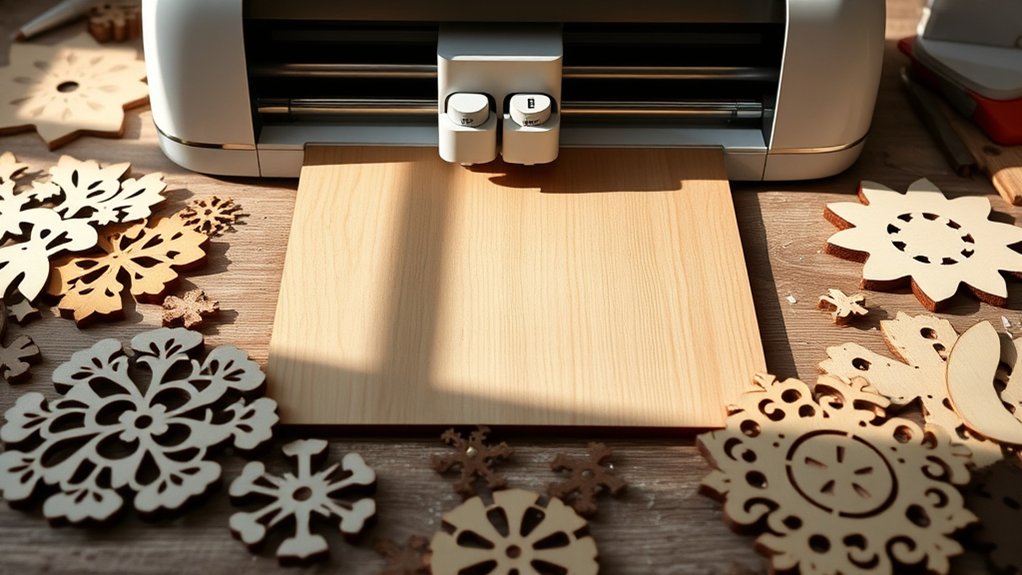
Cutting wood with your Cricut Maker means keeping your design size and complexity in check to get the best results. Cricut machines handle wood cutting well when you respect size limits and avoid overly intricate cuts.
Your design size should stay within 10.5 x 11.5 inches on the standard mat, with a minimum cut size of 0.75 x 0.75 inches to guarantee clean cuts. Remember to maintain a cut width larger than a pencil’s diameter and keep at least a ¼ inch from the wood edges for blade safety.
Keep designs between 0.75 and 10.5 x 11.5 inches, with safe edge spacing for clean wood cuts.
Here’s what to keep in mind:
- Use moderate complexity to avoid incomplete cuts
- Stick to recommended design size limits
- Allow proper spacing from edges to protect materials and blade
Following these tips guarantees crisp, precise wood cuts every time.
It’s really all about balancing size and detail so your Cricut can do its best work.
Tools and Mats Needed for Cutting Wood With Cricut
Although you can’t use just any Cricut machine for wood projects, the Cricut Maker stands out as your go-to tool for cutting thicker materials. When cutting wood, you’ll need the right tools to guarantee precision and stability.
| Tool | Purpose | Key Tip |
|---|---|---|
| Cricut Maker | Cutting several thick materials | Essential for wood projects |
| Strong Grip Cutting Mat | Holds wood firmly in place | Use with brayer or scraper tool |
| Knife Blade | Cuts basswood, balsa, veneer | Provides clean, effective cuts |
The Strong Grip Cutting Mat prevents movement while the Knife Blade tackles thicker wood. Always clean your mat to maintain adhesion.
Wondering what materials you can cut? This setup handles various wood types efficiently!
How to Prepare and Secure Wood Before Cutting
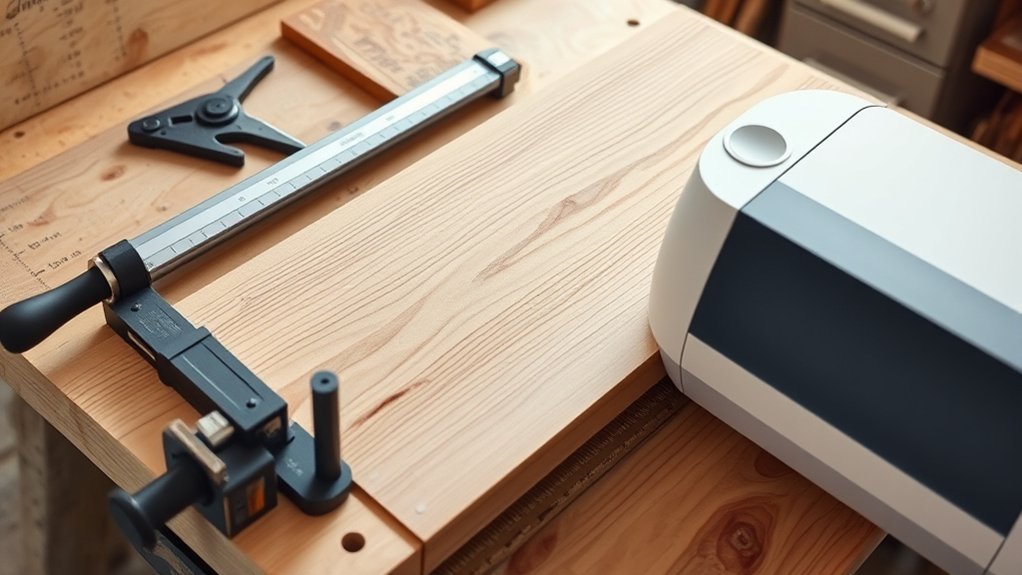
Before you start cutting wood with your Cricut Maker, you’ll want to properly prepare and secure your material to confirm clean, precise results.
Begin by selecting wood no thicker than 2.4 mm, like basswood or balsa, and cut it to your project size with a craft knife.
Clean your Strong Grip Cutting Mat to guarantee it grips well. Then, firmly attach the wood to the mat, securing edges with tape to prevent movement during cutting.
To get everything ready:
- Use a Brayer or Scraper Tool to press wood onto the mat firmly
- Keep at least ¼ inch from wood edges for safe blade operation
- Remove any dust or stickers from the wood surface before loading into Design Space
These steps help you secure wood properly and achieve crisp cuts. It’s a simple way to make sure your project turns out just right.
Best Blade and Cutting Settings for Wood With Cricut
Choosing the right blade and settings is essential when working with wood on your Cricut Maker. The best blade for cutting basswood and other thicker materials is the Knife Blade. It’s designed specifically to handle up to 2.4 mm thickness.
For 1/16″ basswood, set your pressure around 750. Meanwhile, 3/32″ thickness requires about 300 pressure settings to guarantee clean, complete cuts.
Always use a Strong Grip Cutting Mat to keep your wood firmly in place and prevent shifting during cutting.
Before starting your main project, test different pressure and speed settings on sample pieces. Finding the perfect balance for your specific wood type really pays off. This way, you’ll achieve precise, professional results every time.
Common Problems Cutting Wood and How to Fix Them
When working with wood on your Cricut Maker, you might run into issues like incomplete cuts, rough edges, or shifting materials. These problems often happen because you’re trying to cut wood that’s too thick or using a dull blade.
Cutting wood on your Cricut Maker can cause issues like rough edges or shifting if the wood is too thick or the blade dull.
Remember, your Cricut Maker can’t cut thick plywood or acrylic. You’ll need to use thinner materials like balsa or basswood under 1/16 inch.
To finish cutting cleanly, try these tips: adjust pressure and speed settings; thicker wood might need multiple passes.
Also, verify your wood is flat and not warped or glued.
And don’t forget to regularly replace dull blades to avoid tearing and incomplete cuts. That way, your projects come out looking great every time!
When to Consider Alternative Tools for Cutting Wood
Although the Cricut Maker excels at cutting thin, soft woods like basswood and balsa, you’ll want to explore alternative tools if your project involves thicker materials, intricate designs, or warped wood.
The Cricut Maker struggles to cut thicker materials beyond 2.4mm. So, if you need to cut thicker materials like 3mm plywood or acrylic, using a laser cutter is a smarter choice. Laser cutters also deliver cleaner, sealed edges and faster cuts for detailed designs, outperforming the Cricut Maker’s slower, multi-pass approach.
Furthermore, when working with warped or blemished wood, alternative cutting tools can handle imperfections better, ensuring quality results.
Frequently Asked Questions
Can Cricut Maker Engrave Wood Besides Cutting It?
Yes, you can use the Cricut Maker for engraving techniques on soft wood materials, not just cutting.
When planning your project ideas, consider design details like the level of intricacy and the thickness of the wood to get the best results.
Make sure to maintain your engraving tool properly to keep it sharp and effective.
Also, secure your wood firmly so it doesn’t shift during engraving.
This way, you’ll create beautiful, precise wood designs that really stand out.
It’s a great way to add a personal touch to your projects!
How Long Does a Typical Wood Cutting Project Take?
Don’t worry if your wood cutting project takes longer than expected. Typical cutting times vary widely based on wood types, design complexity, and machine settings.
For instance, cutting 1/16 inch basswood can take around 12 minutes, while thicker wood demands multiple passes.
Good project preparation and optimized cutting techniques help speed things up.
Keep an eye on your machine, adjust settings as needed, and you’ll get clean, precise cuts without frustration.
Is Basswood Dust Harmful During Cutting?
Yes, basswood dust can pose health concerns if you inhale it during cutting. Wood dust can irritate your respiratory system, skin, and eyes, so you should always wear protective gear like masks and goggles.
Ventilation is important to reduce dust buildup in your workspace.
Taking these safety measures seriously helps you avoid irritation and guarantees a safer cutting experience while working with basswood.
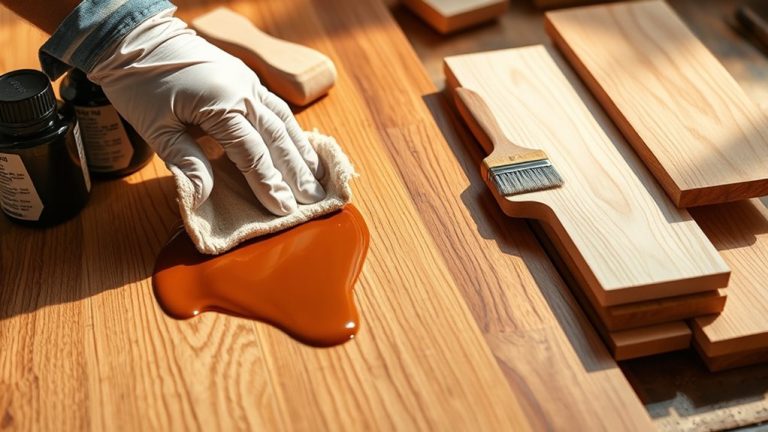
Can I Paint or Stain Wood After Cricut Cutting?
Think of your wood piece as a blank canvas waiting for your finishing touch. Yes, you can paint or stain wood after Cricut cutting, but project preparation is key.
Use the best wood types like basswood for smooth cuts.
Follow wood finishing techniques by cleaning and priming the surface before painting to boost color.
For staining advice, pick water-based stains and test first.
Smooth edges and drying time guarantee a flawless finish.
Are Replacement Knife Blades Readily Available?
Yes, replacement knife blades are readily available for your Cricut Maker. Different blade types suit various cutting techniques, so you can keep your projects precise and clean.
Keeping your blades sharp is really important for their longevity and overall tool maintenance. Swapping them out after multiple uses helps maintain quality and gives you the best results every time.
You can easily find these blades through Cricut’s website or at craft stores. That way, you can keep creating all your diverse project ideas without any interruption.
Conclusion
Now that you know the ins and outs of cutting wood with your Cricut Maker, you’re ready to tackle projects like a seasoned craftsman. While it doesn’t chisel through thick hardwood like a blacksmith’s hammer, it handles thin, soft wood with precision and care.
Just prep your materials, choose the right blade, and adjust settings wisely. Your Cricut Maker will carve out masterpieces with the finesse of a vintage artisan’s tool.